Information Disclosure in Error Messages - PortSwigger
Exploring how malformed input can trigger verbose error messages and disclose backend technology information, including the framework and version used by the application.
Overview
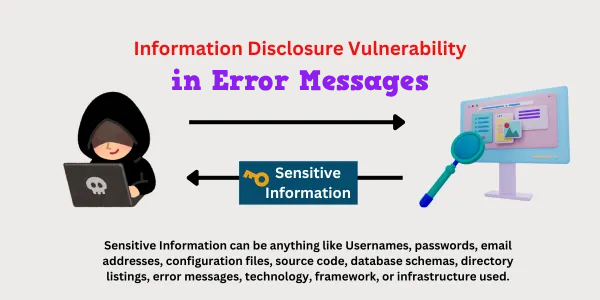
This lab demonstrates how verbose error messages can expose sensitive technical information about a web application’s backend. By manipulating a product identifier in the URL and observing the application’s response to unexpected input, I was able to trigger an error message that disclosed the backend technology and its version.
The information obtained from the error message was sufficient to solve the lab by submitting the identified version.
Walkthrough
1. Exploring the application
After accessing the lab, I was presented with a simple web application displaying a list of products. There were no immediately obvious features beyond viewing individual product details.
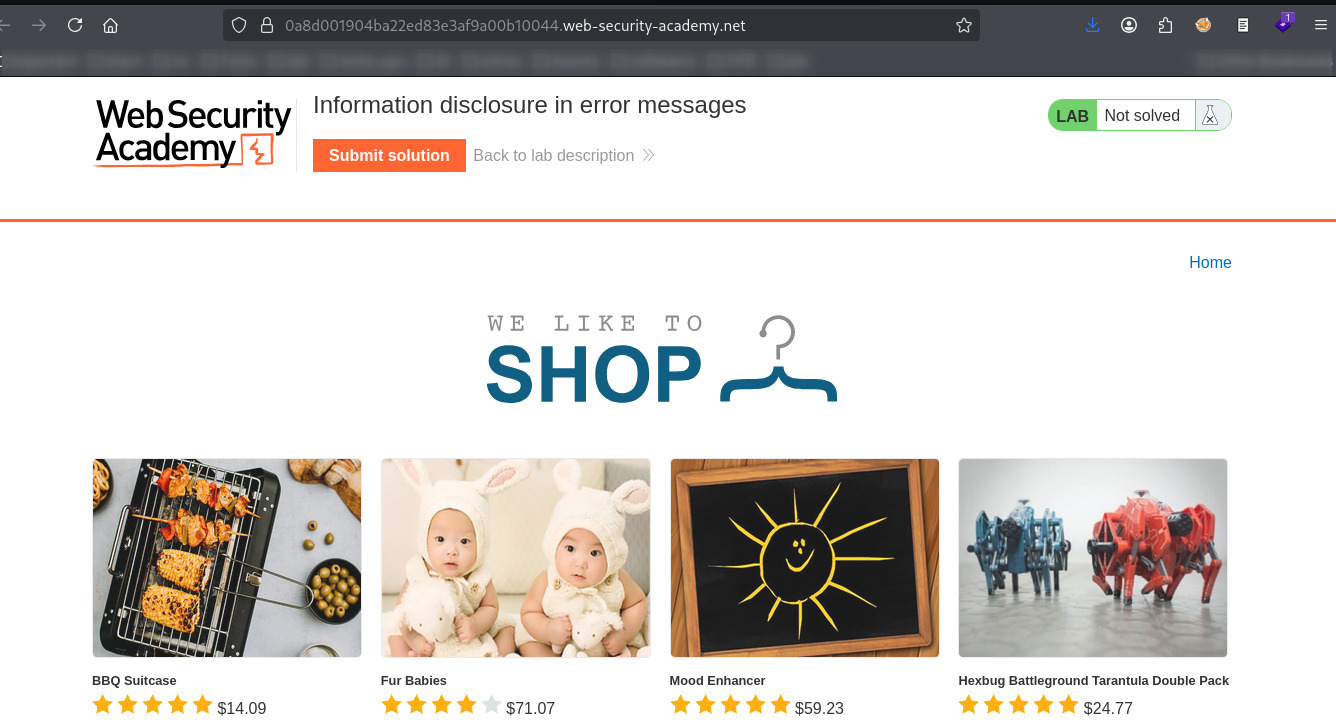
I began by exploring the available functionality to identify potential entry points for testing.
2. Inspecting a product page
I selected one of the products to view its details.
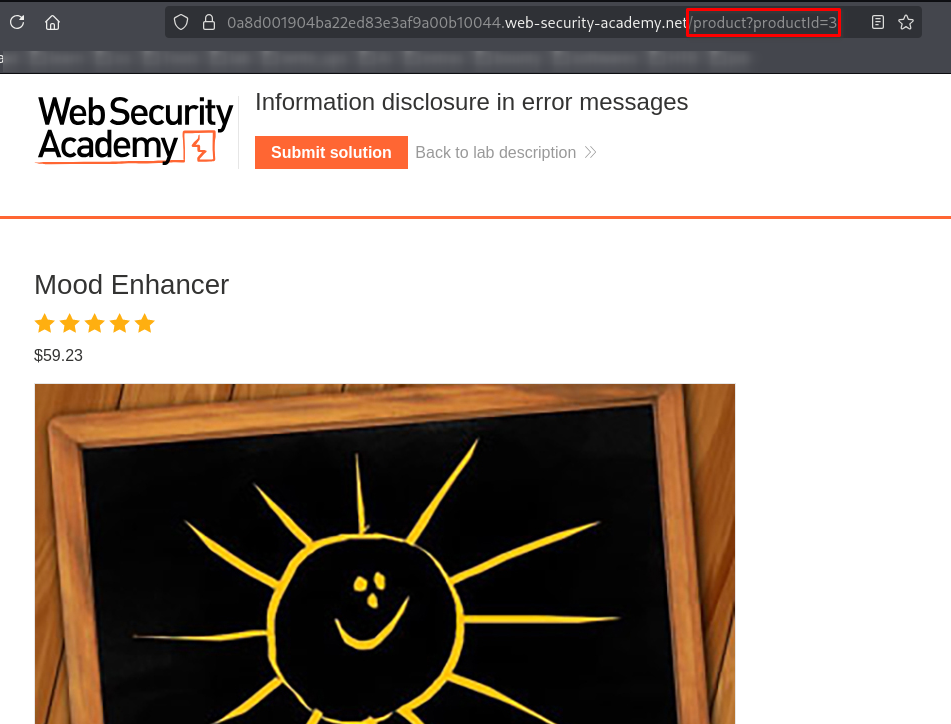
While examining the page, I noticed that the URL contained a parameter named productId, which appeared to identify the selected product.
Since the parameter was supplied through the URL, I decided to investigate how the application processed different values.
3. Testing the product identifier
I first changed the productId value several times, incrementing the number to see how the application responded to different product identifiers. The application returned product details for valid identifiers.
I then tried a larger integer, such as 100, to observe how the application handled a product that did not exist.

The application returned a product-not-found message. This showed that the application handled the supplied identifier differently depending on whether a matching product existed.
However, the response did not reveal the information I was looking for, so I decided to test an unexpected input type.
4. Triggering an error with unexpected input
Instead of supplying a number, I replaced the parameter value with a string such as test.
This time, the application returned a detailed error message rather than the usual product response.
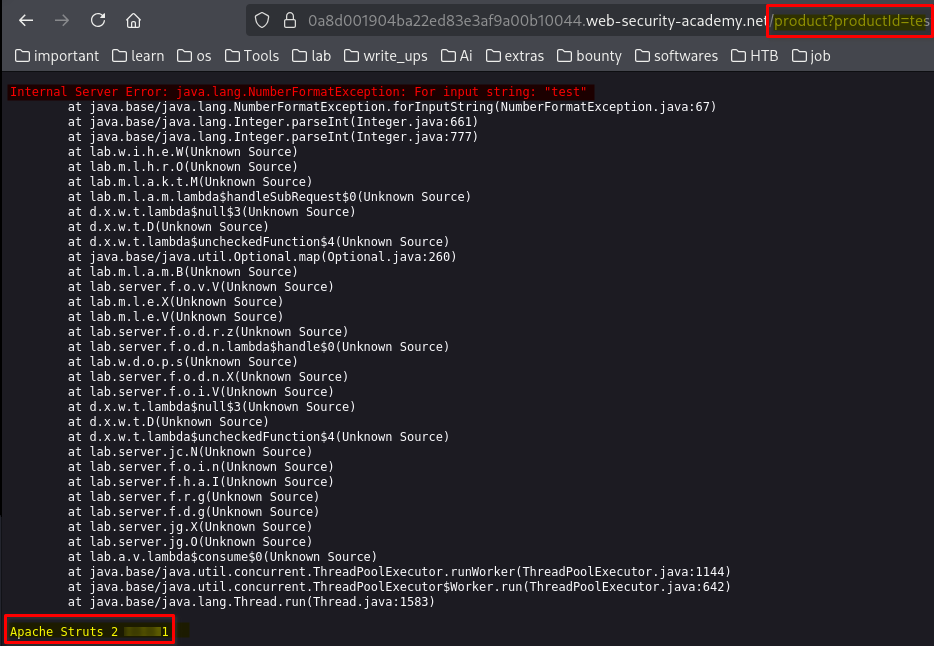
The error message disclosed information about the application’s backend technology, including Apache Struts and its version.
This was the key finding in the lab. The application exposed internal implementation details because it did not handle the unexpected input securely.
5. Submitting the disclosed version
After identifying the version in the error message, I submitted it in the lab’s answer field.
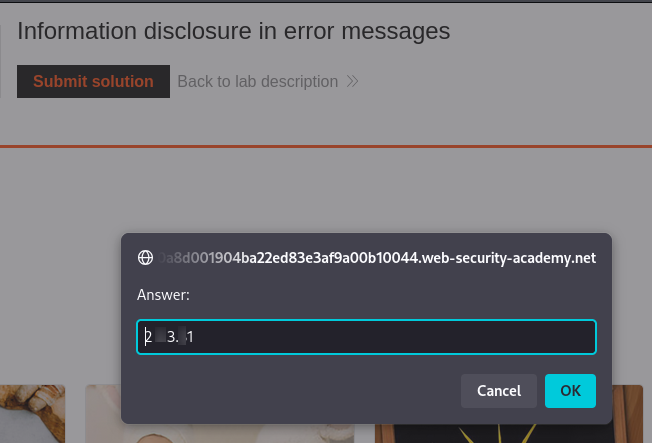
The answer was accepted, confirming that I had identified the requested information correctly.
6. Lab completion
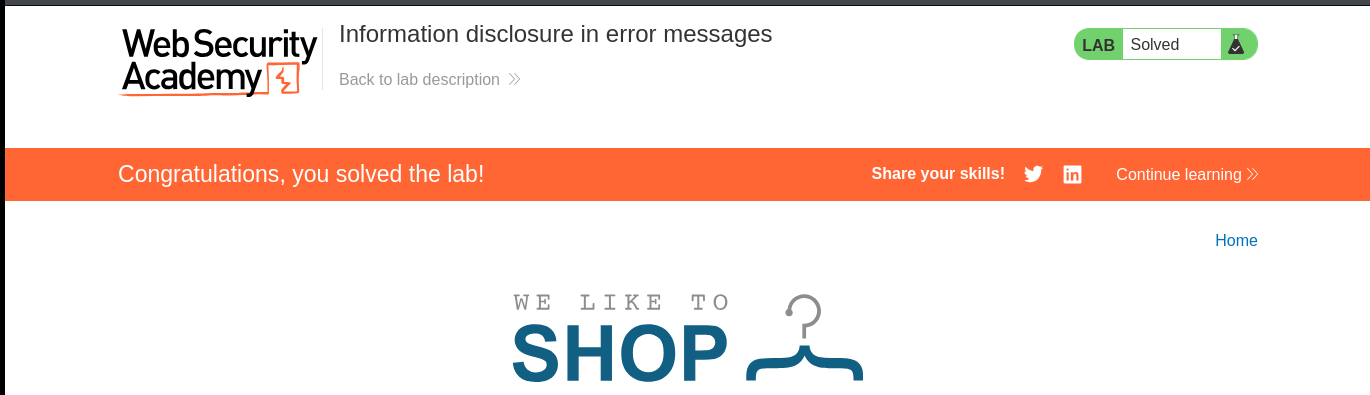
After submitting the correct answer, I was redirected to the lab completion page, confirming that the challenge had been solved successfully.
Key Takeaways
- Inspect URL parameters: Parameters such as
productIdcan be useful starting points when investigating how an application processes user-controlled input. - Test unexpected input types: Supplying a string where a numeric identifier is expected can reveal weaknesses in input validation and error handling.
- Examine error messages: Detailed exceptions may disclose backend frameworks, software versions, and other internal implementation details.
- Understand the security impact: Disclosing a technology and its version can help an attacker research known vulnerabilities affecting that software, although disclosure alone does not prove that the application is exploitable.
- Handle errors securely: Applications should validate input, handle exceptions safely, and avoid exposing detailed debugging information to users.
Conclusion
This lab demonstrated how a seemingly simple product page can reveal useful technical information through its error-handling behavior. By inspecting the productId parameter and supplying an unexpected string value, I triggered an error message that disclosed the backend framework and its version.
The main lesson is that error messages should be treated as part of an application’s attack surface. Even when an error does not directly provide unauthorized access, the information it reveals can assist further security investigation.
Thanks for reading!